
Text Remover | ImageTool
Remove all text, watermarks and logos from any image in one click
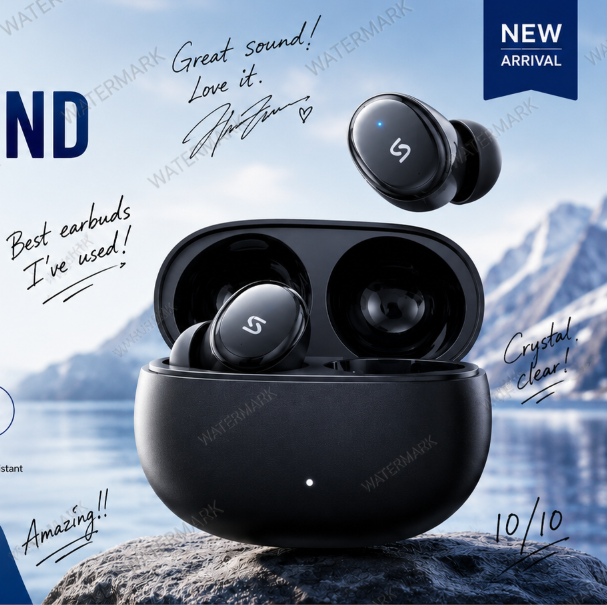
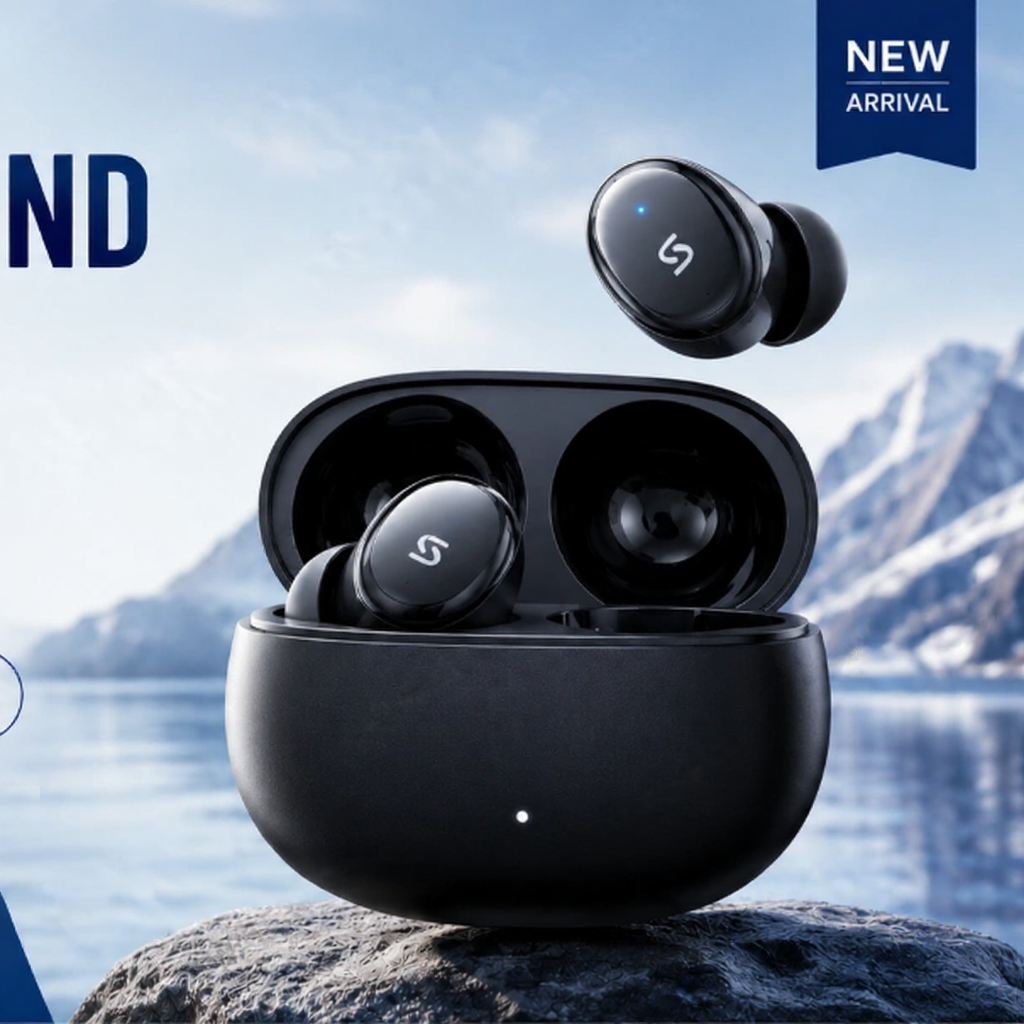
Or drop an image here
Powered by ImageTool Transparent PNG Maker
Instant, precise background removal for photos, portraits and products.
Text & Watermark Remover Core Features
Core text and watermark remover features for clean erasure, natural scene restoration and lossless export results.


Comprehensive Text & Watermark Erasure
Fully eliminate all superimposed content including copyright text, brand watermarks, date stamps and captions without leaving obvious traces.


Natural Scene Restoration After Erasure
Intelligently reconstruct textures, colors and light details of the covered area to keep the whole picture consistent and seamless.
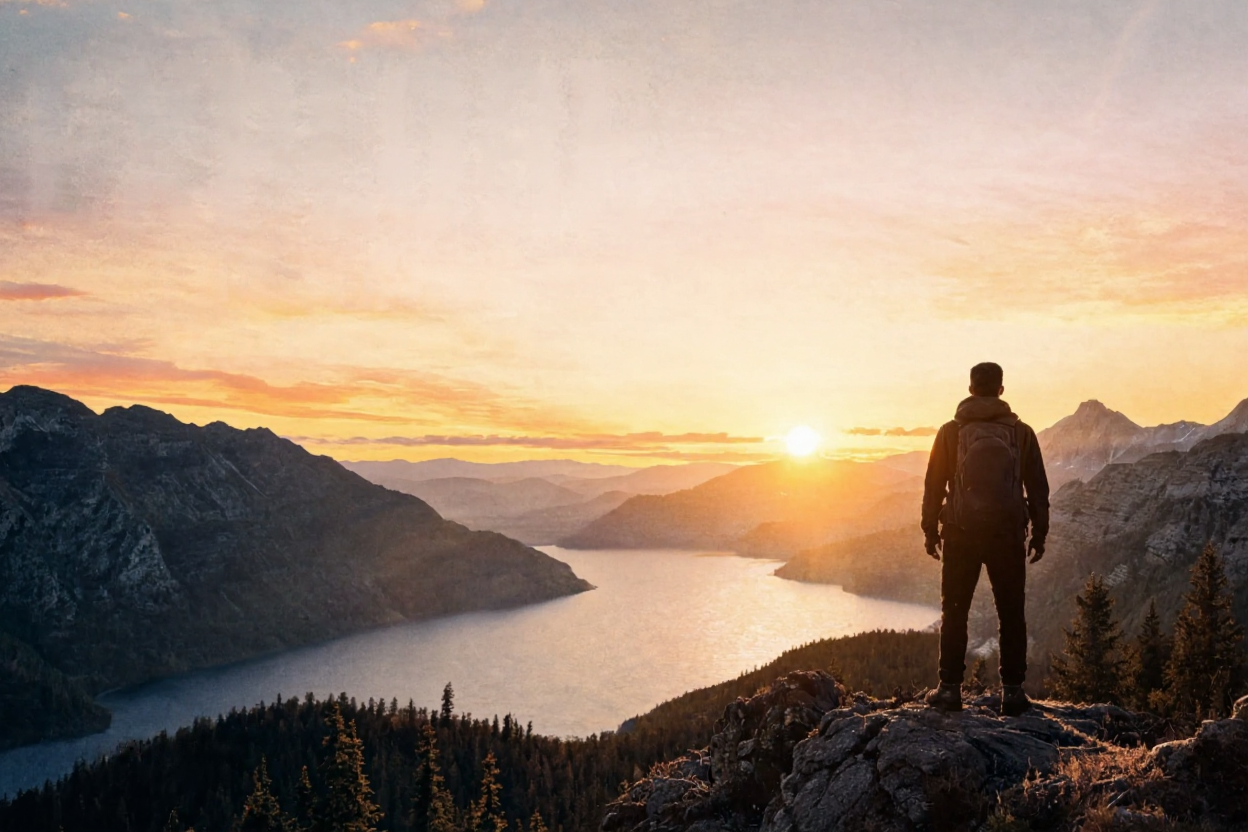

Lossless Original Aspect Ratio Retention
Automatically match the original image's width and height proportion, export high-definition PNG files without distorting the picture composition.
Watermark removal of images
scene-specific uses
Stock Photography Retouching
Erase copyright watermarks, text logos and signature marks on commercial stock photos to get clean original picture materials.
Social Media Content Creation
Remove text overlays, frame watermarks and timestamp labels from food, landscape and portrait photos for posting.
E-commerce Product Material Production
Wipe off vendor text marks, promotional slogans and source watermarks on product shots for store display use.
Poster & Graphic Design
Eliminate sample text, brand watermarks and draft labels on reference pictures for secondary creative design.
Personal Photo Arrangement
Clear printed text, venue logos and photo studio watermarks on travel photos, wedding portraits and old snapshots.
Presentation & Document Making
Remove watermarks and source captions from reference images used in PPT, reports and official documents.
Complete AI Image Toolkit
One-click solutions for all your photo editing demands

Background Remover
One-click background removal

Object Eraser / Watermark Remover
Watermark/Debris removal

Expand Image
Intelligent image expansion

Image to SVG
Simple vector conversion of ordinary pictures

Logo Maker AI
Logo Maker

Old Photo Restore
Restoration and coloring of old photos

ID Photo Maker
One-click creation of ID photos

AI Avatar Generator
Virtual cartoon avatar

Product Scene AI
Product scene generation
Frequently Asked Questions
What image formats does ImageTool support?
We fully support JPG, PNG, WEBP input. You can export transparent PNG, white background PNG and SVG files.
Can I process images in bulk?
Bulk background removal is available for paid subscribers; free accounts support single-image processing only.
How do you protect my uploaded images?
All uploaded photos are cached temporarily only for AI processing. We never permanently store or reuse your images for training.
Are exported images available for commercial use?
Free plan exports contain subtle watermarks and cannot be used commercially. Paid plans deliver watermark-free files with full personal & commercial copyright ownership.
How precise is the automatic cutout?
Our AI perfectly handles portraits, hair, fabric and product edges. You can use the manual eraser tool to touch up tiny details manually.
How to get support when facing issues?
If you encounter upload failures, function bugs or feature suggestions, email us anytime: support@imagetool.io
Is there a file size limit for uploaded pictures?
Each single uploaded image cannot exceed 10MB. Larger high-resolution images can be compressed with our built-in compressor before processing.
Can I undo background removal or restore the original photo?
We retain your original uploaded picture temporarily during the session. You can one-click revert to the original image without re-uploading.
Transparent PNG Maker for Instant Cutouts
Use Transparent PNG Maker to remove backgrounds online and export clean transparent PNG images for products, portraits and design assets.